
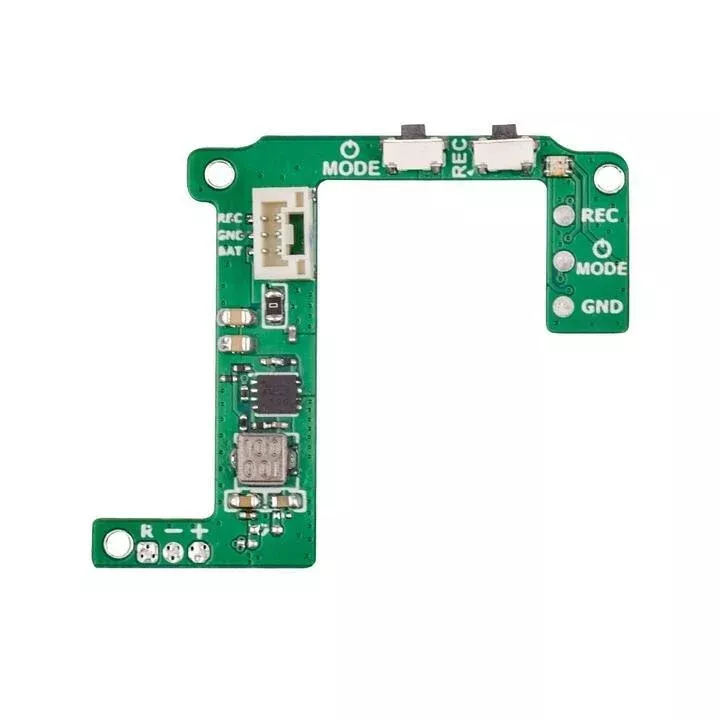
Are you still worried about naked GoPro turning off because lack of power?
Do you want to make your naked GoPro to be super neat and light?
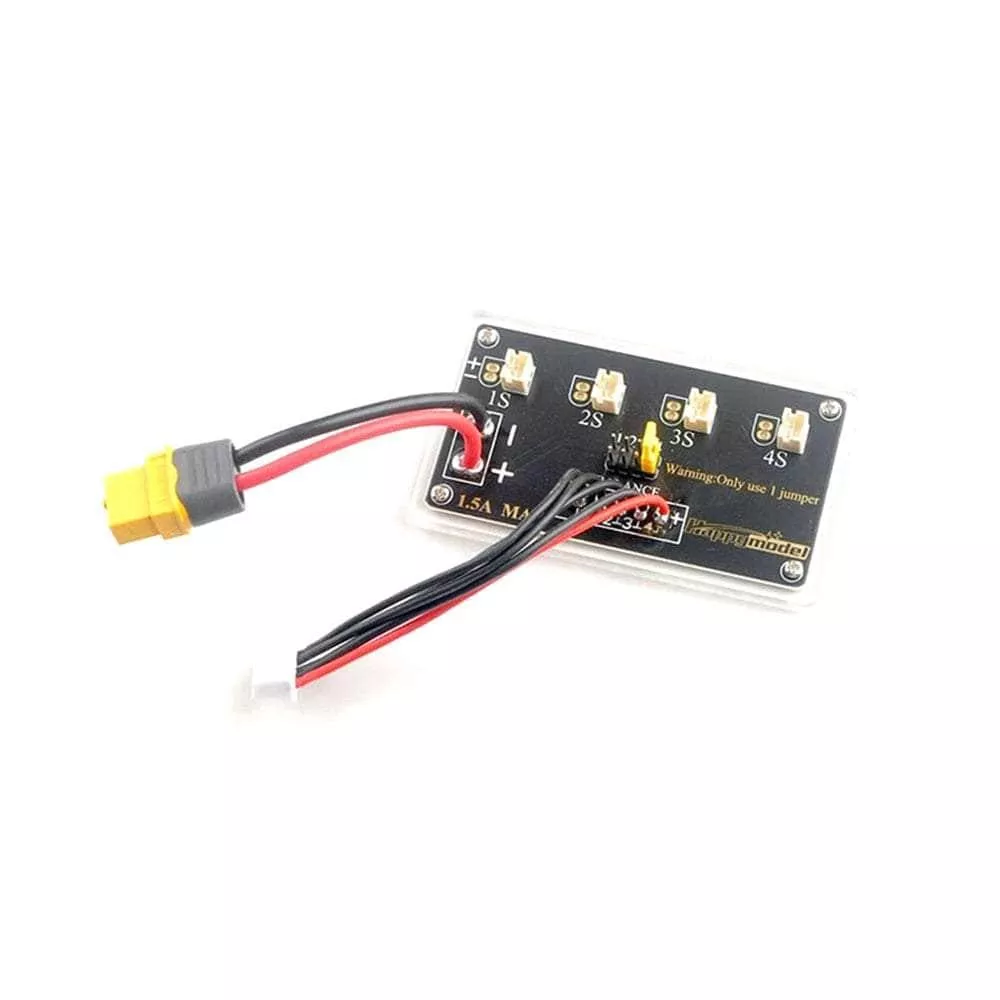
This BEC board could help you. It has integrated 5V@2A BEC, stock GoPro buttons and LED, pluggable connectors and remote recording.
Special thanks to Guido Fabbrini reminding us of the risk that the FC might be burnt. Right now the BEC board is completed ready and available now.
Check out our collection of Naked GoPro Parts and Accessories!
We also carry:
- Case Only
- Entire Combo
- ND Filter
- Spare Wire Harness
This BEC board fits for GoPro Hero 6 and Hero 7 Black. But NOT for Hero 8.
Many thanks for Richárd Papp and those people who devoted their time and energy to the cinewhoop researching. Thanks for the FPV community to gather such awesome ideas. If you wanna know more about cinewhoop, click the link below to join us on Facebook.
>>NAKED Cinewhoop Community
Bullet Point
- BEC Board is specially designed for Naked GoPro Hero which weighs about 1.5g, make your naked GoPro lighter and easier to install on your drone.
- The BEC output voltage is 5V@2A, avoid the accident of power off which is caused by the insufficient power supply for the FC board.
- Integrated GoPro stock buttons, Power/Mode Button and Record Button
- Integrated GoPro stock LED to know the status of the camera.
- Pad is available for pilot to control the GoPro recording via the radio transmitter.
- With the pluggable connector, which is easier to connect with your flight controller for power supply and recording.
Specification
- Item: BEC Board for GoPro Hero
- Weight: 1.48g
- Output: 5V@2A
- Input Voltage: 2-4S
- Connector: GH 1.25 3P Connector
Diagram of BEC Board
The two buttons on the BEC board has the same function as the stock GoPro buttons. Three actions we will use frequently.
- Power On – Press the Power/Mode button and the LED flashes three times and light off.
- Start Record – Press the Record button once and LED flashes slowly. If LED flash once and light off, it means there is no SD card.
- Stop Record – Press the Record button and LED stop slow flashing.
LED Status
Undernormaloperation, plug the GH1.25 connector into the GoPro Lite camera firstly, then connect with the battery. The LED will flash once, then you should press the Power/Mode button once in a second to power on. The LED on the BEC board has the same status as the stock LED on the GoPro mainboard.
| Indication | Button Operation | LED Status |
| Power On | Press the Power/Mode button once | Flash 3 times and light off |
| Power Off | Press the Power/Mode button for 5 seconds | Flash 7 times and light off |
| Start Record | Press the record button once | Continuously slow flash |
| Stop Record | Press the record button once | Flash 3 times and light off |
| Mode Switch | Press thePower/Mode buttononce | Check the mode on LCD Display |









![SD Gundam Age-3 [Normal/Orbital/Fortress] [BB372]](https://www.cardcastleplay.com/wp-content/uploads/2026/10/sd-gundam-age-3-normal-orbital-fortress-bb372.webp)